Federal construction in Alberta and BC is mostly Parks Canada, Fisheries and Oceans, Public Services and Procurement Canada doing work for other departments, and Defence Construction Canada looking after the bases. The pile is smaller than the municipal pile, but the jobs are real: a wastewater plant at Lake Louise, dredging at Ladner, a storm sewer at the Northern Forestry Centre in Edmonton, highway maintenance on the Alaska Highway. Here is how the plumbing works now, because it changed a lot and the old names are still floating around.
Three systems, one of them optional
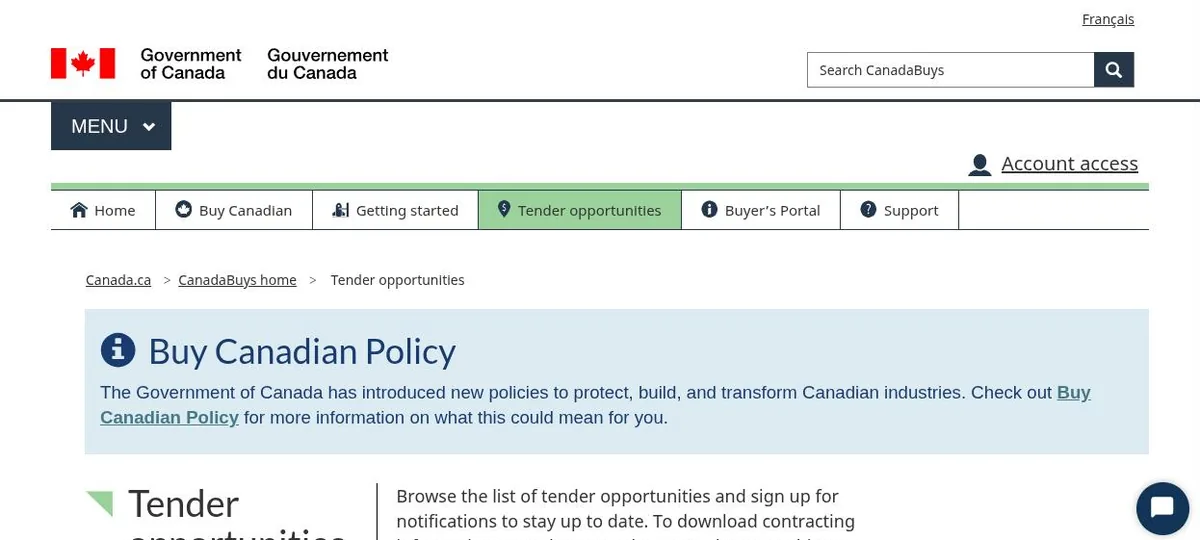
CanadaBuys is the notice board. Every federal tender is listed there, free, no account needed. Most provincial and municipal notices from Alberta and BC are mirrored there too, with a link back to APC or BC Bid.
SAP Business Network is where Public Services and Procurement Canada, PSPC, actually runs its tenders. You used to hear it called SAP Ariba, and the public search is still Ariba Discovery under the hood. If the notice on CanadaBuys says the documents are in SAP, you need a free SAP account to download them and to bid.
The Procurement Business Number, the PBN you get from the Supplier Registration Information system, is now only needed for the shrinking number of bids that do not go through SAP (PSPC’s note on the transition). The old buyandsell.gc.ca site is gone entirely. If a guide tells you to start there, it is out of date.
Setting up alerts without an account
You do not need an account to follow things. On any CanadaBuys search or notice page, click Follow, give a name and email, and you get updates. There is an RSS feed if you prefer. Search takes keywords, an organization name or a UNSPSC code, and you can filter by category, status, location and dates.
One warning from CanadaBuys itself, printed as a banner on notices through 2026: email notifications have been unreliable. Check the site for anything you care about. Also, the saved-search keywords cannot be edited after you create one. Delete it and make another.
The SAP account
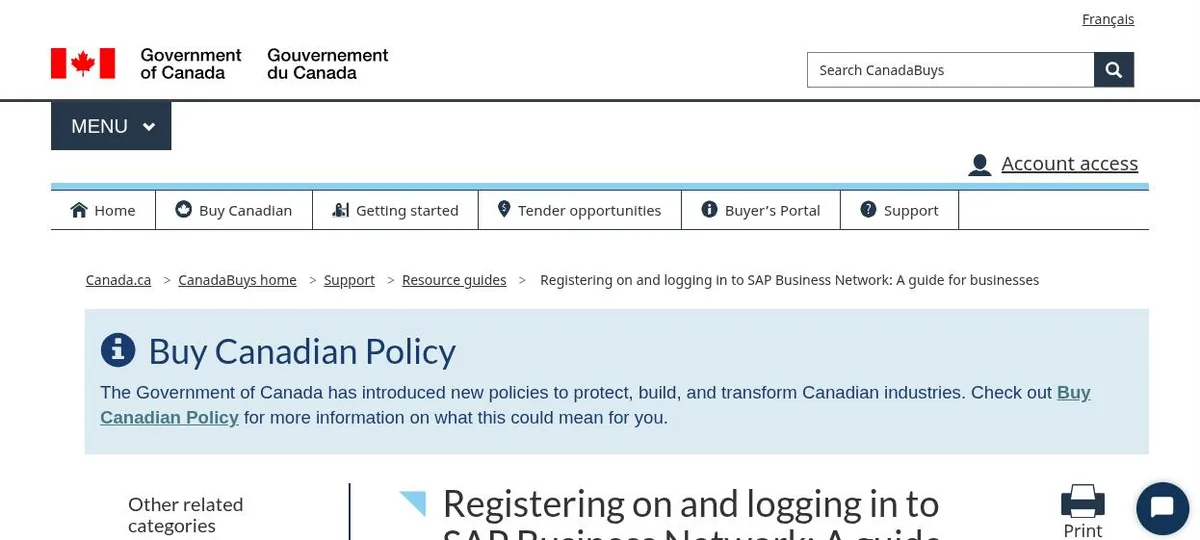
Register through the link on CanadaBuys (registration guide), not directly at SAP. Doing it that way puts PSPC on your customer list, which is what lets you see their events. The things to know:
- One account per CRA business number. The person who registers becomes the admin and adds everyone else.
- You do not need a business number to submit a bid. You need it before award.
- The supplier questionnaire has required questions. Questions 3 to 8 are enough to bid. Question 9 completes the registration. In 2026 a new question 12 on cyber security certification was added, and suppliers with existing accounts have to go back and answer it before they can bid again.
- If you only want to read documents and never bid through SAP, there is a viewer-only registration that skips the questionnaire.
The same SAP login is what the City of Edmonton and the City of Calgary use for their tenders. One account covers all three. I cover the city side in the next post.
Bidding inside an SAP event
The flow is the same every time, and CanadaBuys has a walkthrough. Open the notice on CanadaBuys, click through to SAP, log in, hit Respond.
- Review Event Details, then Review Prerequisites. Accepting the prerequisites means you intend to participate. It does not commit you to a price. You cannot see the full event until you accept.
- Download the documents from Download Content. Addenda show up as new versions of the event.
- Questions go through Compose Message. Answers come back in Event Messages and by email, usually to everyone.
- Attach your files per section. Most sections take one file unless there is a plus sign. Hit Save Draft often. Nothing is saved automatically.
- Submit Entire Response. You can Revise Response up to the deadline.
Watch the clock. Some PSPC notices tell you to ignore the closing time shown in Ariba Discovery and use the time on the notice. Read the notice.
Other departments, Parks Canada for example, attach their documents directly on the CanadaBuys Bidding Details tab and take bids by the method in the notice, often email. No SAP involved.
Defence Construction Canada is on MERX, not CanadaBuys
DCC tenders everything on MERX, and only mirrors to CanadaBuys when a job is big enough to fall under a trade agreement (DCC’s FAQ). All of it is e-bid, and bid security goes in as an electronic bond through MERX or a wire transfer (DCC e-procurement).
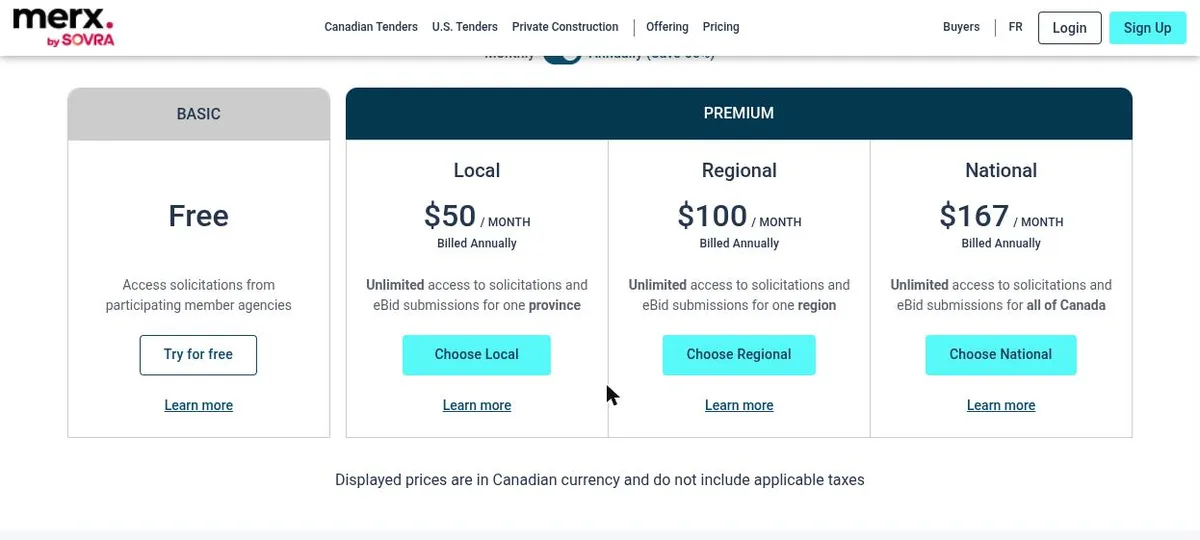
The free MERX account lets you look. DCC is not on the list of agencies whose documents are free to basic members, and DCC’s own notices say fees may apply. The paid plan for Western Canada was $100 a month billed annually, or $299 month to month, when I checked. The alternative is a one-time access fee per solicitation on the basic account (MERX FAQ). Look at the pricing page before you decide, it changes.
The thing most contractors miss is the source lists. DCC does not tender most base work openly. It keeps lists:
- Open Construction Source Lists per base, for construction up to $10 million. Everyone on the list is invited to every tender. You apply through MERX at any time, it takes about ten business days, and the list runs three fiscal years. Right now there are lists open for CFB Edmonton, 4 Wing Cold Lake, Wainwright, Suffield, Calgary, 19 Wing Comox, Esquimalt and Chilliwack, closing March 31, 2029.
- Quick Response Tender lists by trade. The Edmonton ones for 2026 cover mechanical, electrical and underground civil, cap each job at $500,000, run three years, and you apply by emailing the form to the DCC officer named in the notice. Suffield’s civil list caps at $300,000 and you re-apply each cycle.
You do not need a security clearance to get on a list. You usually need one to bid the individual tender, typically a Designated Organization Screening with reliability status for your people (DCC security requirements). DCC will sponsor you into the program. Start that early, it is not a two-week process.
DCC Western Region is run out of Edmonton and covers the Alberta bases plus Moose Jaw, Dundurn, Winnipeg and Shilo. Pacific Region is run out of Victoria.
Checked against the CanadaBuys support guides, the Public Services and Procurement Canada pages, MERX’s pricing and FAQ pages, and DCC’s site and current notices on October 22, 2026. The MERX prices are the ones shown that day.
Federal documents are long and the compliance list is longer. If you want the mandatory requirements pulled out onto one sheet before you price, that is the tender support service. Fixed fee, agreed before I start. Tender support.