Alberta Purchasing Connection, APC for short, is where the Province and every town, county, school board and health authority in Alberta post their work once it crosses the trade-agreement thresholds ($200,000 for construction, $75,000 for goods and services). You can read every posting without an account. You cannot download the documents, express interest or submit anything until you have one. Here is how I would set it up today.
If you had an account before June 2024, it is gone
The Province replaced the whole system on June 11, 2024. Old logins do not work. You create a new supplier account and, if nobody at your company has done it yet, you add the business.
Creating the account
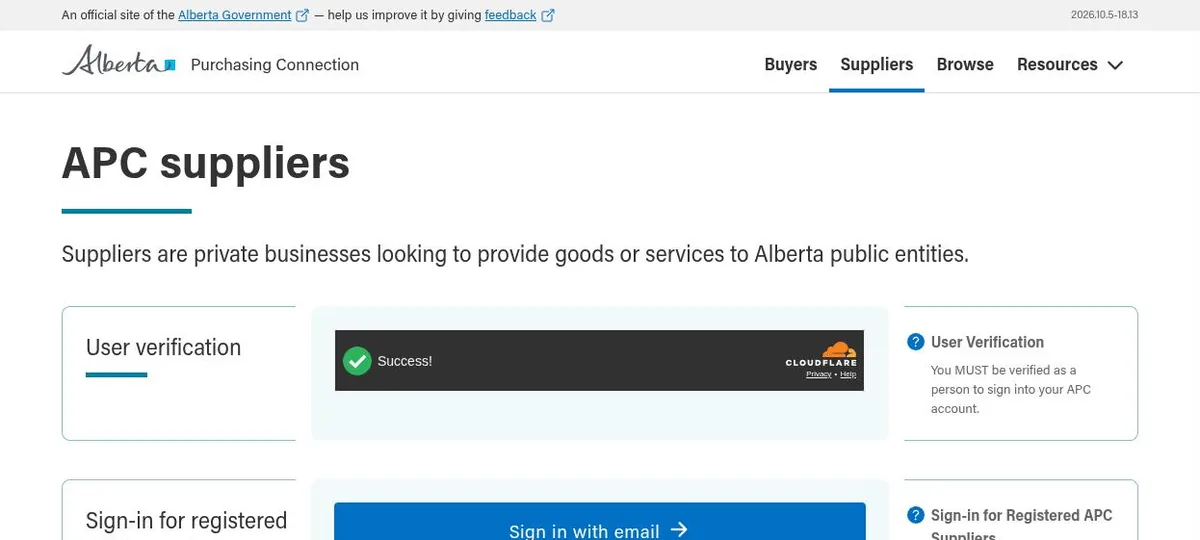
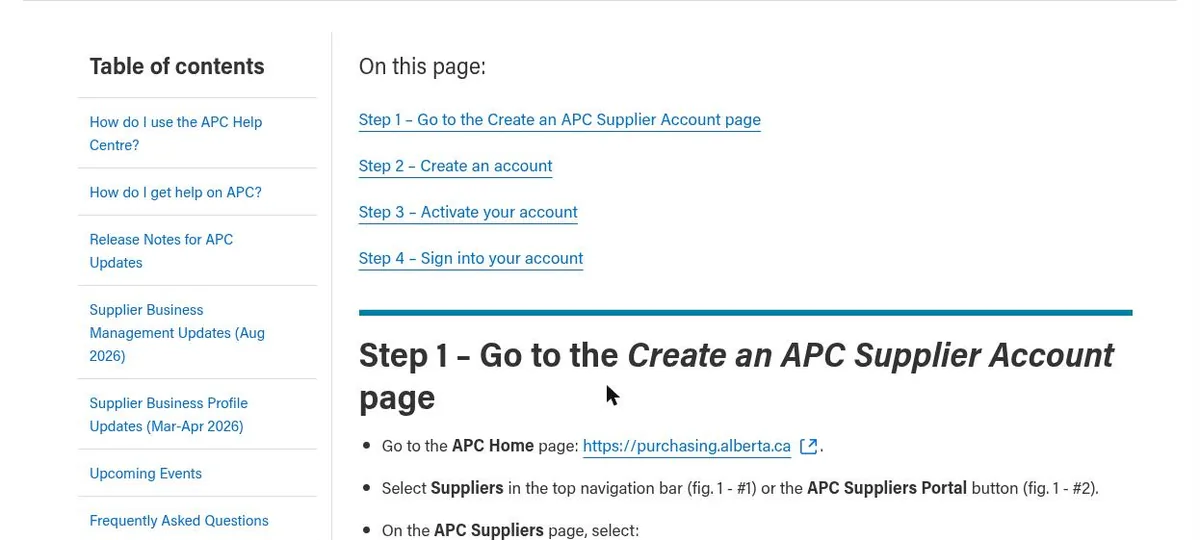
- Go to purchasing.alberta.ca, pick Suppliers, then Create an Account. APC’s own self-registration guide covers the same steps.
- Use your own work email. APC says no shared inboxes like info@ or office@, and it means it. Each person gets their own account.
- Accept the Terms of Use and fill in your individual profile and a password.
- Under Associated Supplier Business, search for your company. If someone already added it, ask to join. The person who created it is the Business Admin and has to approve you. Until they do, your account can look but not download.
- If your company is not there, choose Add Your Business to APC. You give the legal and trade names, address, legal structure, size and a primary contact. Whoever does this becomes the Business Admin.
- Click Activate in the email within 96 hours. Miss that and the account is deleted and you start over.
No fee. No business number asked for. One business per account, so if you run two companies you need two emails.
Notifications: the part worth doing properly
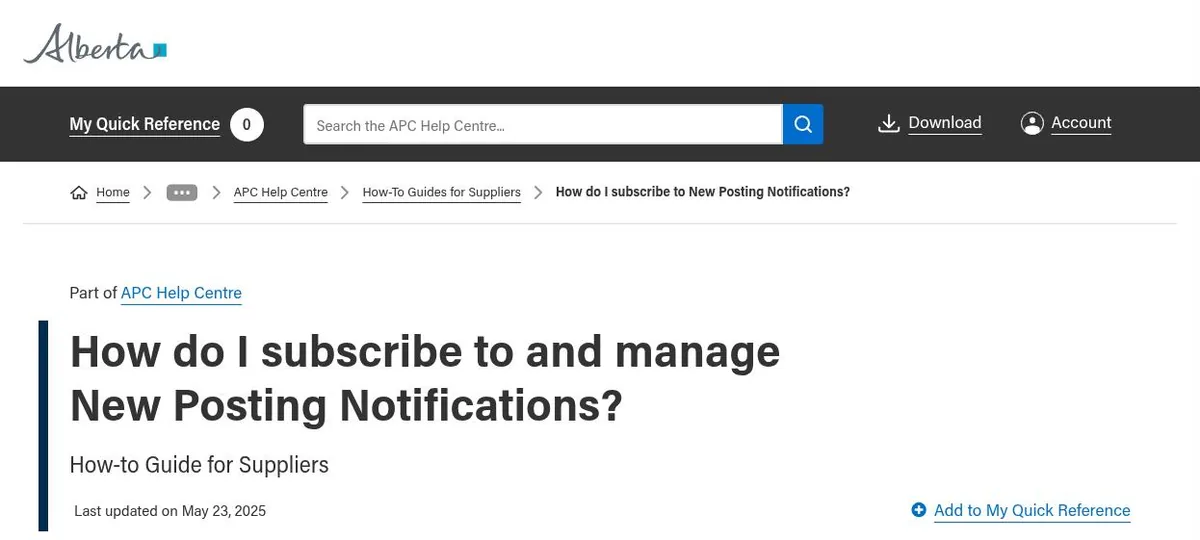
APC sends one email a day, and only on days something matched. You build up to 12 notification definitions. Each one can copy up to three other people, who have to confirm within seven days.
The filters work like this. Inside one filter, your choices are OR. Across filters, they are AND. So a definition with Region set to Edmonton and Central and UNSPSC set to two codes means: either region, and either code.
What I have learned about the filters:
- Text phrases beat commodity codes. The region and UNSPSC filters depend on how the buyer classified the posting, and small towns do not classify consistently. APC’s own help pages say text phrases are more reliable. Use quotation marks for exact phrases: “water main”, “gravel crushing”, “road rehabilitation”. Skip single words like “services” that match everything.
- Run a couple of definitions, not one big one. One for underground work, one for grading and paving, one for gravel supply and crushing. Each catches a different vocabulary.
- Turn on the Enhanced Filtering beta. Once you have a text phrase filter applied it adds related terms and flags the extra matches with a lightbulb. APC’s own example is that “asphalt paving” catches more than “paving” once the related terms kick in. It only works after a text filter is on.
- Notifications only fire on new postings. If you want to hear about addenda and amendments on a job you are chasing, open the posting and click Express Interest. That is a separate switch from the daily email.
If you want a code anyway, the UNSPSC lookup is public now and you can enter a code at any of the four levels. 72000000 is all of building and facility construction. 72141000 is heavy construction. GSIN codes are no longer used.
Documents and the SAP detour
Most postings have the documents attached on APC. Some Province of Alberta jobs carry the notice on APC but keep the documents in SAP Ariba Discovery. If a posting sends you there, you need a free SAP account on top of your APC one. The federal and Edmonton and Calgary posts in this series cover that account, and it is the same one.
E-submission
Since January 20, 2026 the Province’s own ministries can take bids electronically through APC (e-submission guide). Municipalities are not on it yet, and even for ministries the buyer has to turn it on for each posting. The instructions to bidders will tell you the channel.
If it is on:
- 10 files per upload batch, 50 MB per file, 2 GB per submission.
- PDF, Word, Excel, CSV, PowerPoint, JPG, PNG, MP4, MOV, TXT, RTF and ZIP. No ZIP inside a ZIP. No password-protected files, so take the protection off your bid bond PDF before you upload it.
- At the closing date and time the button simply stops working. There is no grace period. Drafts that were never submitted are discarded.
- You can retract any time before closing. Return to Draft throws away every file you uploaded, so you re-upload everything and resubmit. Plan for that if you find a mistake at 1:45 for a 2:00 close.
- You get a receipt on screen and by email. It proves the time, nothing else.
Alberta Transportation and Economic Corridors is the exception to all of this. Its tenders are on APC but bids go in by email to trans.tender@gov.ab.ca and no other way.
Checked against the APC help centre on October 22, 2026. The pages I used are dated between May 2025 and August 2026. If a screen no longer matches, email me and I will update this.
Once the notification lands and the documents are downloaded, the clock starts. If you want someone to read the instructions to bidders and the spec while you walk the site, that is the job I do. Fixed fee, agreed before I start. Tender support.